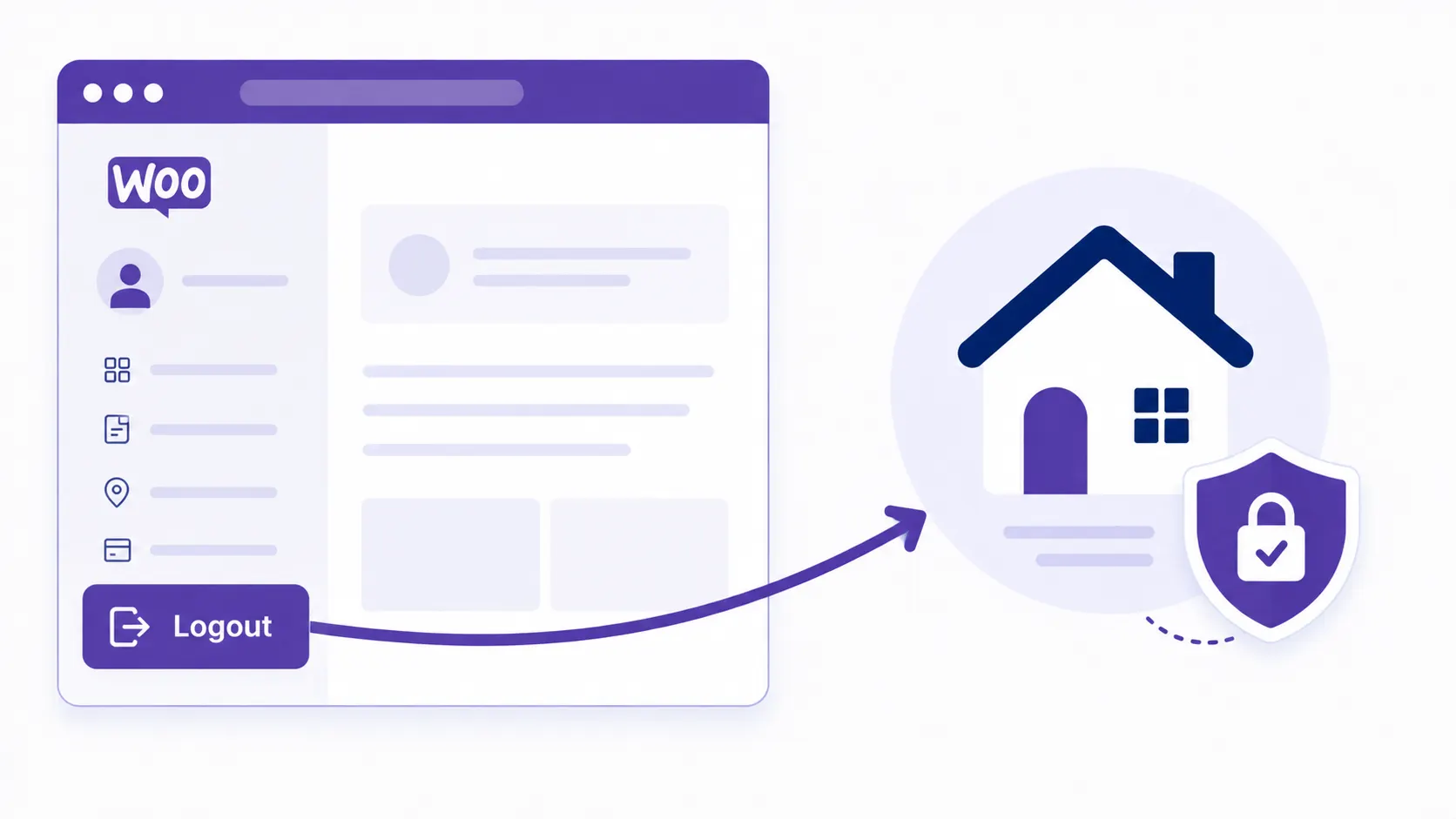
WooCommerce Redirect After Logout
WooCommerce doesn’t give you a built-in setting for redirecting customers after logout. Often you need to send users somewhere specific — the homepage, a custom login form, or a “come back soon” landing page — instead of WooCommerce’s default behavior. This guide covers redirecting after both logout and login, the security gotcha almost every version of this snippet online gets wrong, and how to make the redirect target dynamic instead of hardcoded.
We’ll walk through redirecting a user after they use the logout option on the My Account page in WooCommerce, then cover the login side too.
Redirect to Homepage After Logout
Add this snippet to your child theme’s functions.php file (or, better, a small site-specific plugin so it survives a theme change).
Note: wp_redirect() does not exit automatically, and should almost always be followed by a call to exit — without it, PHP keeps executing the rest of the page after sending the redirect header, which can cause unexpected output or double-processing further down the request.
<?php
add_action('wp_logout','auto_redirect_after_logout');
function auto_redirect_after_logout()
{
	wp_redirect( home_url() );
	exit();
}
?>
You can also pass an HTTP status code, such as 301 for “Moved Permanently,” as a second parameter to wp_redirect() if you need one:
<?php
add_action('wp_logout','auto_redirect_after_logout');
function auto_redirect_after_logout()
{
	wp_redirect( home_url(), 301 );
	exit();
}
?>
Redirect to a Specific Page (by ID)
You can also redirect to any specific page by its page ID, rather than the homepage:
<?php
add_action('wp_logout','auto_redirect_after_logout');
function auto_redirect_after_logout()
{
	wp_redirect( get_permalink(32) );
	exit();
}
?>
Note: Replace 32 with your own target page’s ID — find it by opening that page for editing in wp-admin and reading the post= parameter from the URL.
WooCommerce Redirect After Login
WooCommerce fires its own filter for controlling where a customer lands after logging in — woocommerce_login_redirect — separate from the logout hook above.
<?php
add_filter('woocommerce_login_redirect', 'auto_redirect_after_login');
function auto_redirect_after_login($redirect_to)
{
	return home_url();
}
?>
Redirecting Different User Roles to Different Places
A common real-world need: send administrators to the dashboard as usual, but send customers straight to their account page instead of the homepage. The $user object passed into most login-related filters lets you branch on role:
<?php
add_filter('woocommerce_login_redirect', 'wpwebguru_role_based_login_redirect', 10, 2);
function wpwebguru_role_based_login_redirect($redirect_to, $user)
{
	if ( isset($user->roles) && in_array('administrator', (array) $user->roles, true) ) {
		return admin_url();
	}

	return wc_get_page_permalink('myaccount');
}
?>
Use wp_safe_redirect() for Anything Involving User Input
wp_redirect() does not validate whether the given URL points to your own site or somewhere else. That means it’s vulnerable to an open redirect if you ever pass it a URL that came from user input — a query string parameter, a form field, anything not hardcoded by you. An attacker can craft a link that looks like it points to your trusted domain but silently redirects the visitor to a phishing site once they click it, which is exactly the kind of trust-abuse attack covered in the broader context of our WordPress security checklist.
For this reason, always use wp_safe_redirect() instead whenever the redirect target isn’t a URL you’ve hardcoded yourself — it validates that the destination host matches your own site (or an explicitly allowed list) before redirecting. Only use wp_redirect() directly when you’re intentionally redirecting to a different, hardcoded external site.
<?php
add_action('wp_logout','auto_redirect_after_logout');
function auto_redirect_after_logout()
{
	// Example: redirect to whatever page the user was viewing before logout,
	// falling back to the homepage if that value isn't present or safe.
	$url = isset($_REQUEST['redirect_to']) ? esc_url_raw($_REQUEST['redirect_to']) : home_url();
	wp_safe_redirect( $url );
	exit();
}
?>
Warning: A version of this snippet that circulates online calls wp_safe_redirect( $url ) without ever defining $url anywhere in the function — an undefined variable that, depending on your PHP error settings, either throws a warning and redirects nowhere useful, or silently redirects to an empty destination. If you’re pulling the redirect target from user input as shown above, always run it through esc_url_raw() first, and let wp_safe_redirect()‘s own host validation catch anything that isn’t actually pointing at your site.
Common Mistakes to Avoid
- Forgetting
exit()afterwp_redirect()/wp_safe_redirect()— the rest of the request keeps executing otherwise. - Using
wp_redirect()with any value derived from user input instead ofwp_safe_redirect(), opening the door to open-redirect phishing attacks. - Hardcoding a page ID that later gets deleted or changes, silently breaking the redirect — consider storing the target page ID in a site option instead if it needs to be configurable.
Wrapping Up
Redirecting after logout and login is a one-hook change for the simple homepage case, and a small filter for anything role-based or dynamic. The one habit worth keeping regardless of how simple your redirect looks: reach for wp_safe_redirect() the moment any part of the destination URL isn’t something you personally hardcoded, and always follow either redirect function with exit(). If you’re customizing more of the My Account experience beyond login/logout behavior, our guide on adding custom tabs to WooCommerce My Account covers the next logical extension.