

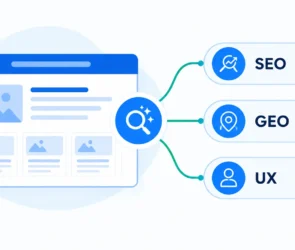
WordPress AI Search Optimization in 2026: A Practical Guide to SEO and GEO
A practical guide to WordPress AI search optimization in 2026: improve content, technical SEO, structured data, and measurement without chasing GEO shortcuts.

A practical guide to WordPress AI search optimization in 2026: improve content, technical SEO, structured data, and measurement without chasing GEO shortcuts.
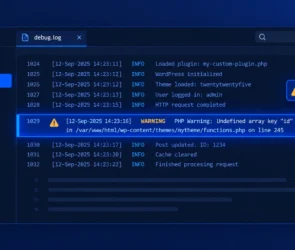
If you have ever stared at a blank white screen after activating a plugin, or watched a form silently fail to save data, you…
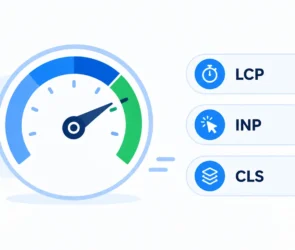
WordPress Core Web Vitals in 2026 means passing three specific thresholds Google actually measures from real visitor traffic: Largest Contentful Paint (LCP), Interaction to…
Register a custom Ability in WordPress 7.0 by following this tutorial from scratch — the core system introduced in 6.9 and expanded in 7.0…
WordPress 7.0 breaking changes caught a lot of developers off guard — not because the release was poorly documented, but because most of the…
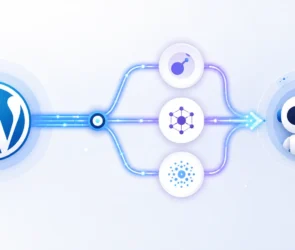
WordPress AI integration stopped being a plugin-only affair with the release of WordPress 7.0 in May 2026. Core now ships with a standardized way…
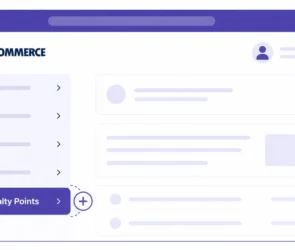
How to Add Custom Tabs to the WooCommerce My Account Page WooCommerce My Account tabs ship with a fixed default set — Orders, Downloads,…
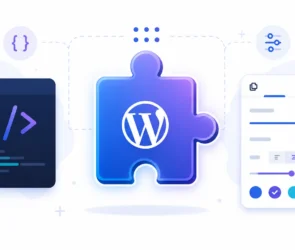
A custom Gutenberg block gives editors a purpose-built, drag-and-drop way to add exactly the content your theme or plugin needs — no build tools,…

WooCommerce, a powerful and versatile e-commerce plugin for WordPress, allows you to sell anything, beautifully. However, one of its limitations is the default product…
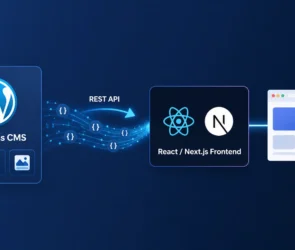
Headless WordPress means using WordPress purely as a content backend — writers still work in wp-admin, but the public-facing site is built separately with…