How to Get All Posts of a Custom Post Type by Category
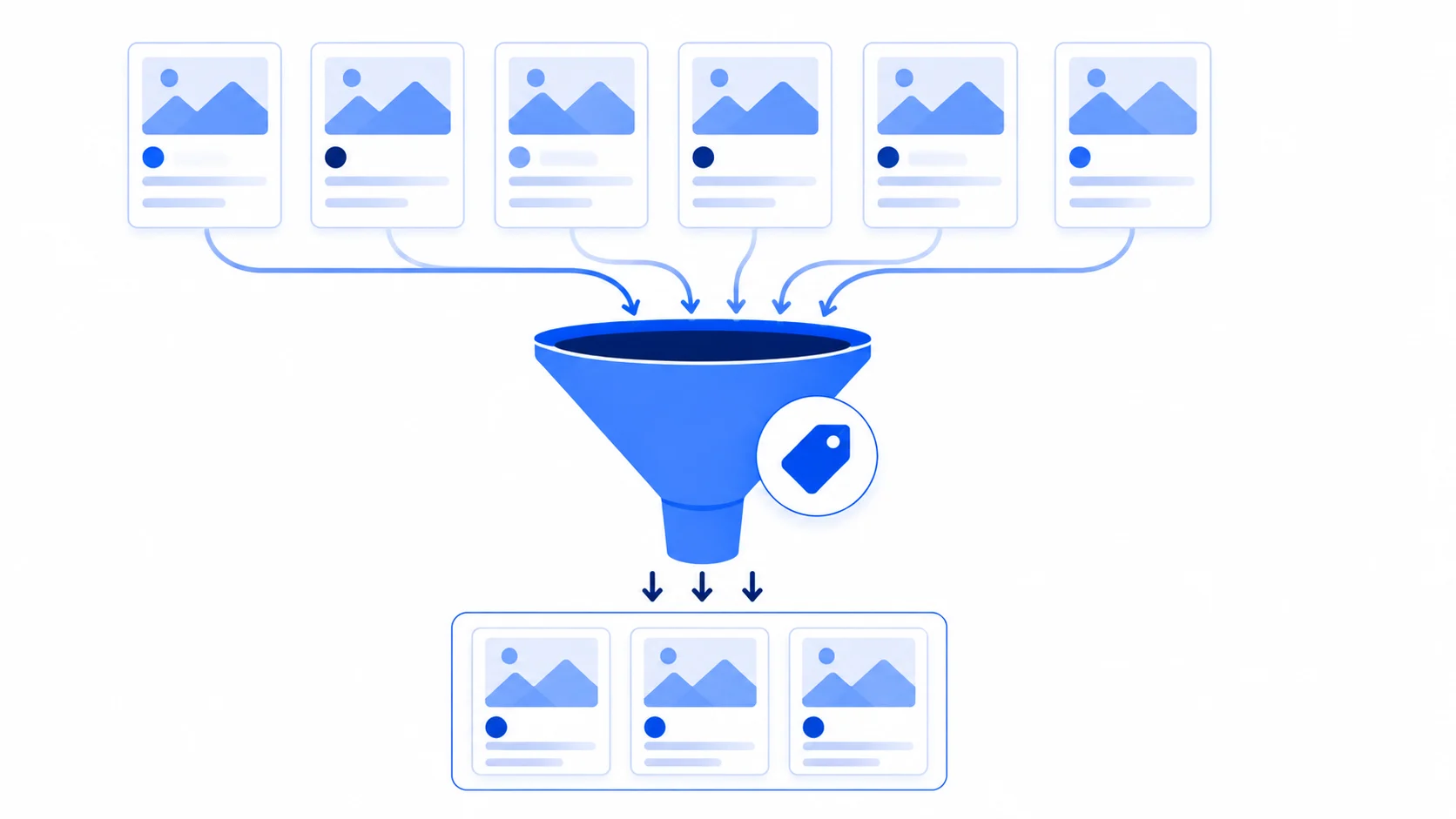
Displaying posts filtered by category is easy for the default post type — but the moment you’re working with a custom post type, the built-in category taxonomy usually doesn’t even apply to it. This guide builds a genuinely reusable shortcode that works with any post type and any taxonomy, not just the default blog category, and fixes a scope bug that breaks a common version of this snippet in PHP 8+.
Why the Built-In “category” Taxonomy Often Doesn’t Apply
The category taxonomy is registered against the built-in post type by default — a custom post type doesn’t automatically get access to it. If you want to filter a custom post type (say, portfolio) by a category-like grouping, you almost always need your own custom taxonomy registered specifically for that post type, using register_taxonomy(). This shortcode is written to work with any taxonomy you pass in, whether that’s the built-in category or a custom one like portfolio_category.
The Shortcode
<?php
add_shortcode( 'post_grid', 'wpwebguru_post_grid_shortcode' );
function wpwebguru_post_grid_shortcode( $atts )
{
    $a = shortcode_atts( array(
        'post_type' => 'post',
        'taxonomy'  => 'category',
        'category'  => '',
    ), $atts );

    if ( empty( $a['category'] ) ) {
        return '';
    }

    $args = array(
        'post_type'      => sanitize_key( $a['post_type'] ),
        'posts_per_page' => 12,
        'order'          => 'ASC',
        'tax_query'      => array(
            array(
                'taxonomy' => sanitize_key( $a['taxonomy'] ),
                'field'    => 'slug',
                'terms'    => sanitize_title( $a['category'] ),
            ),
        ),
    );

    $query = new WP_Query( $args );

    if ( ! $query->have_posts() ) {
        wp_reset_postdata();
        return '';
    }

    ob_start();
    ?>
    <div class="post_items">
        <?php while ( $query->have_posts() ) : $query->the_post(); ?>
            <?php $featured_img_url = get_the_post_thumbnail_url( get_the_ID(), 'full' ); ?>
            <article class="post_item">
                <div class="post_featured">
                    <div class="post_thumb">
                        <a class="hover_icon hover_icon_link" href="<?php the_permalink(); ?>">
                            <img class="wp-post-image" alt="<?php the_title_attribute(); ?>" src="<?php echo esc_url( $featured_img_url ); ?>">
                        </a>
                    </div>
                </div>
                <div class="post_content">
                    <h5 class="post_title"><a href="<?php the_permalink(); ?>"><?php the_title(); ?></a></h5>
                    <div class="post_descr">
                        <?php the_excerpt(); ?>
                        <a href="<?php the_permalink(); ?>" class="sc_button sc_button_square sc_button_style_default sc_button_bg_link sc_button_size_mini">MORE</a>
                    </div>
                </div>
            </article>
        <?php endwhile; ?>
    </div>
    <?php
    wp_reset_postdata();
    return ob_get_clean();
}

// Usage examples:
// [post_grid category="news"]                                           - default posts, built-in category
// [post_grid post_type="portfolio" taxonomy="portfolio_category" category="web-design"] - custom post type, custom taxonomy
?>
Warning: A common version of this snippet references $post->ID directly inside the loop, without declaring global $post;. Just like the fatal-error scope bug covered in our custom loop with pagination guide, this works fine at the top level of a template file but throws “Attempt to read property ‘ID’ on null” the moment it’s wrapped in a function — which every shortcode callback is. The version above uses get_the_ID() instead, which reads WordPress’s internal post state correctly regardless of scope.
Note: The corrected version also swaps wp_reset_query() for wp_reset_postdata() — the correct cleanup function for a standalone WP_Query object, as opposed to wp_reset_query() which is meant for undoing query_posts() changes to the main query.
Why posts_per_page Is Capped at 12, Not -1
The original version of this snippet used 'posts_per_page' => -1, which fetches every single matching post with no limit — fine on a small site, but a real performance risk once a category grows into the hundreds of posts. The corrected version caps it at 12 and expects you to add your own pagination (see our custom loop with pagination guide for exactly that) if the category can realistically grow large. Unbounded queries like this are also exactly the kind of thing worth reviewing in our SQL query optimization guide if your site’s category archives start to feel slow.
Filtering by Multiple Categories
The tax_query array can hold more than one condition, combined with a relation key — useful if you want posts matching any of several categories, or all of them at once:
'tax_query' => array(
    'relation' => 'OR', // or 'AND' to require every term
    array(
        'taxonomy' => 'category',
        'field'    => 'slug',
        'terms'    => 'news',
    ),
    array(
        'taxonomy' => 'category',
        'field'    => 'slug',
        'terms'    => 'updates',
    ),
),
Common Mistakes to Avoid
- Assuming a custom post type has the
categorytaxonomy by default — it doesn’t, unless you explicitly registered it that way withregister_taxonomy_for_object_type()or included it in the post type’s ownregister_post_type()call. - Referencing
$postdirectly inside a function withoutglobal $post;, as covered above. - Using
'field' => 'slug'with a term name instead of its actual slug — category slugs and names can differ (spaces become hyphens, capitalization is dropped), so double-check the real slug in the category admin screen if the query returns nothing unexpectedly. - Leaving
posts_per_pageunbounded on a query that could realistically match hundreds of posts.
Wrapping Up
Once the post type, taxonomy, and category are all shortcode attributes instead of hardcoded values, this one snippet covers filtering by category for the default blog, a portfolio, a custom “team members” type, or anything else — just pass different post_type and taxonomy values per use. Keep the escaping and the get_the_ID()-over-$post habits from the corrected version above whenever you adapt this pattern elsewhere.