Search is changing, but the advice for website owners is less dramatic than the headlines suggest. People now ask longer questions in AI-powered search experiences, and those systems may summarize several sources before someone clicks through. That changes how a useful page gets discovered. It does not make the foundations of good WordPress SEO obsolete.
If you run a WordPress site, the practical goal is to publish information that solves a real problem, make that information easy to crawl and understand, and measure what visitors do with it. This guide explains what WordPress AI search optimization means in 2026, what is worth improving, and which popular GEO shortcuts are unlikely to help.
What is AI search optimization?
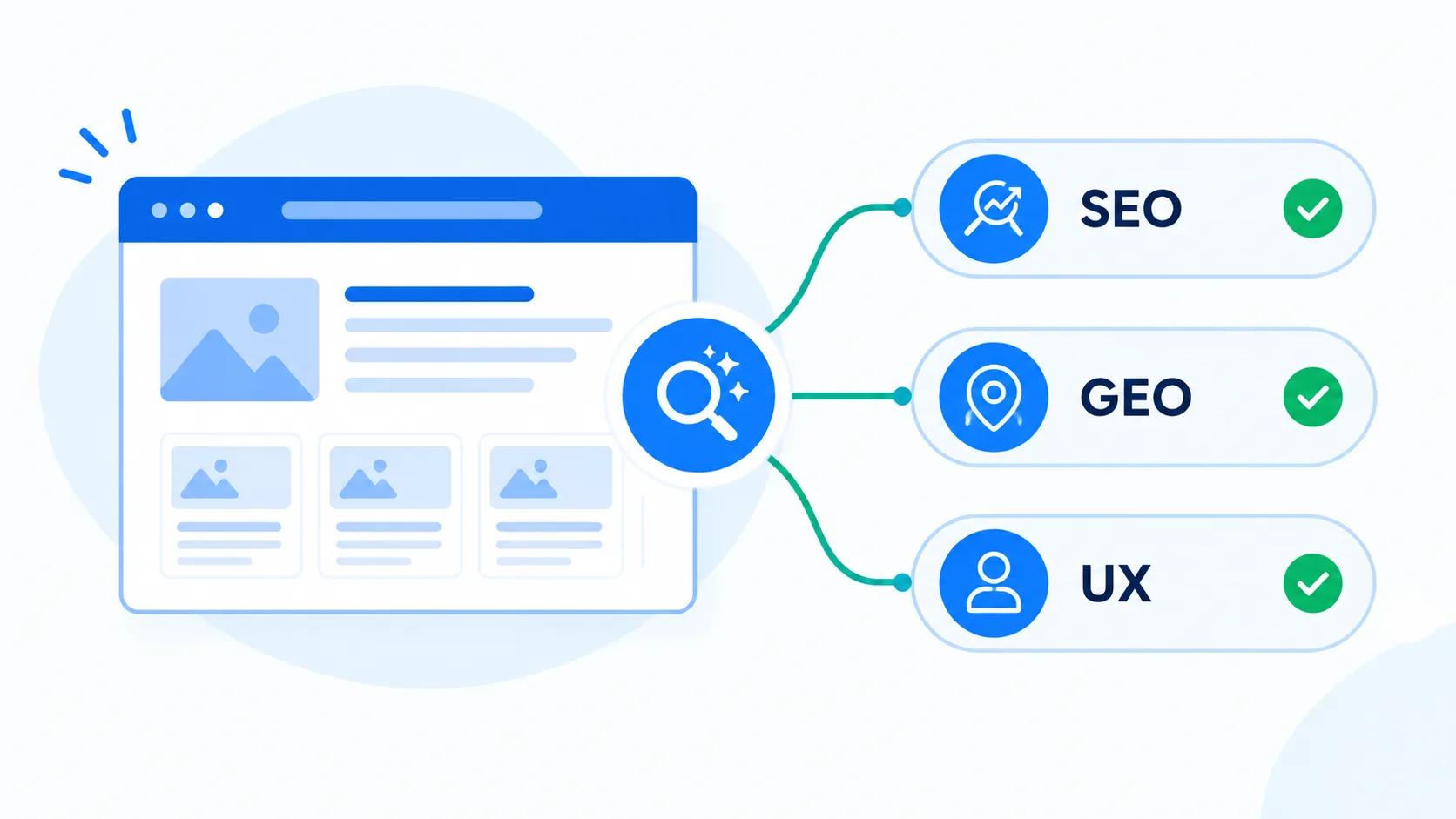
AI search optimization is the work of making a website useful and understandable in search experiences that use generative AI. Those experiences can include a synthesized answer, links to supporting pages, and a follow-up conversation. You may also see the terms generative engine optimization (GEO) and answer engine optimization (AEO).
The labels are new; much of the work is familiar. Search systems still need to find a page, crawl it, understand its subject, and decide whether it is a good result for a person’s question. Clear writing, sensible site structure, accessible pages, and trustworthy information help with that job. There is no special WordPress switch that guarantees a place in an AI answer.
Google’s current guidance says the usual SEO best practices remain relevant for AI features in Search, and that there are no additional technical requirements just for appearing in AI Overviews or AI Mode. That is a useful correction to the idea that every site needs a special AI file, schema trick, or keyword formula.
Why the topic matters to WordPress site owners
Search behaviour is becoming more conversational. Instead of typing a short phrase such as “WordPress image size,” a visitor might ask, “What image size should I use on a WordPress blog so it loads quickly without looking soft on a retina screen?” A strong page anticipates the decision behind the wording and explains the trade-offs, rather than repeating the query several times.
For a WordPress developer or small business, that creates an opportunity: answer a specific question with enough detail that a reader can act on it. A page may be useful whether a visitor arrives from a standard result, an AI summary, a forum recommendation, or a colleague’s link. The same investment in clarity and substance serves all of those paths.
It also means that publishing more pages is not automatically a growth strategy. A collection of thin articles that rephrase existing search results can make a site harder to maintain without giving readers a reason to choose it. A smaller set of well-supported guides is often a better foundation.
Start with the reader’s task, not the acronym
Before editing a page, write down what the reader is trying to accomplish. “Learn about AI search” is broad. “Decide whether to change a WordPress site’s SEO workflow for AI-powered search” is a concrete task. The second version points to useful sections: what has changed, what has not, which technical checks matter, and how to measure progress.
Then ask what the page can contribute that a generic summary cannot. A developer might include a reproducible configuration example, a before-and-after test, the limitations of a plugin, or a decision tree. A business might explain its process, pricing factors, service area, or a real customer question. Do not invent results or experience. If you have no original data, make the explanation clearer and more complete than the material a reader can already find.
A practical WordPress AI SEO checklist
1. Make important pages discoverable
Check that the page is published, returns a successful response, and is not blocked from indexing by a robots rule or a noindex setting. Confirm that the canonical URL points to the preferred version. Use a clear internal link from a relevant page so both visitors and crawlers can find it. A sitemap can help discovery, but it does not replace internal links or guarantee indexing.
On WordPress, review the visibility settings, permalink, SEO plugin controls, and any caching or security layer that might affect access. When a page is missing from search, diagnose crawling and indexing before rewriting every paragraph.
2. Put one clear purpose in the title and introduction
Use a title that tells people what they will learn. Follow it with a short introduction that defines the topic and sets expectations. Organize the rest with descriptive headings that match the questions readers naturally ask. This improves scanning and helps search systems identify the sections that answer a query.
Use the main phrase where it reads naturally—in the title, opening, and a relevant heading if appropriate. Related wording can appear where it belongs. Repeating an exact keyword in every section makes prose awkward and does not create expertise.
3. Explain the answer, then show the reasoning
For a practical question, state the short answer near the top, then explain the conditions and steps behind it. Define jargon on first use. Include examples that make the advice testable. If a recommendation depends on the site’s theme, hosting, plugin stack, or audience, say so.
AI summaries can quote concise explanations, but writing solely to be quoted is a mistake. Readers need the context, caveats, and next step that a one-line answer cannot provide. Aim for a page that is useful when someone reads the whole thing, not just a sentence extracted from it.
4. Add evidence and clear ownership
Make it easy to understand who is responsible for the content. Keep author pages accurate, link to primary documentation for technical claims, and show dates when the subject changes often. If you describe a test, explain the environment and method. If the page contains an opinion, label it as an opinion rather than presenting it as a universal rule.
Trust is built by specific, checkable details—not by adding a generic “expert” badge or a long author biography to every post. Update a page when a step, interface, or supported feature changes, and remove obsolete instructions instead of layering new text over old advice.
5. Use structured data only when it fits
Structured data can help search engines understand content types and, for eligible features, may make a page eligible for a richer result. It is not a shortcut to AI citations or higher rankings. Use markup that accurately describes visible page content and follow the requirements for that specific type.
Most WordPress SEO plugins can generate common markup such as Article or Organization data. Avoid adding multiple plugins that produce conflicting copies. Validate the output, keep it in sync with the visible page, and remember that correct markup does not guarantee a special display in search.
6. Keep the technical experience solid
Technical SEO is still part of content quality. Make sure the page works on a phone, loads without avoidable delay, has a useful page title, and presents readable text without requiring an interaction that crawlers cannot access. Compress images, use descriptive filenames, and write alt text that describes an image’s purpose for people using assistive technology.
For WordPress, a performance plugin can help, but settings depend on the host and theme. Measure before and after making changes. Aggressive optimization that breaks a menu, delays essential content, or serves a broken layout is not a win.
7. Strengthen the site around the article
A good article should connect to related material on your site. Link to a relevant tutorial, service page, glossary entry, or follow-up guide where it genuinely helps the reader. Use descriptive link text so the destination is clear. Also add a link back to the article from an existing page when the new guide fills a real gap.
Internal links help readers move through a topic and help search systems understand how pages relate. They should reflect the site’s actual structure; adding the same exact-match anchor across dozens of pages looks mechanical and gives visitors little context.
What not to do: GEO shortcuts that waste time
- Do not create a page for every tiny query variation. Several near-identical pages can compete with one another and offer little additional value.
- Do not add a made-up “AI schema” block. Use supported structured data for real, visible information; markup cannot force a model to cite a page.
- Do not stuff headings with “best answer” phrases. Clear headings help people. Formulaic keyword placement does not make a weak answer stronger.
- Do not publish unreviewed AI output at scale. Automation can assist research or editing, but inaccurate claims, generic summaries, and fabricated first-hand experience harm readers and credibility.
- Do not assume an AI crawler setting controls Google Search inclusion. Follow the documentation for each platform and make access decisions based on your own content and business needs.
Google’s published generative AI search guide specifically recommends valuable, non-commodity content and warns against creating query variations mainly to manipulate visibility. That is a sensible standard beyond Google: publish because you can help a reader, not because a tool produced another keyword gap.
How to measure whether the work is helping
Begin with a baseline. In Google Search Console, look at the page’s impressions, clicks, click-through rate, and average position for relevant queries. Compare an appropriate period before and after a substantial update, while accounting for seasonality and other site changes. If a dedicated generative AI performance report is available in your account, use it as an additional view; do not treat a new reporting feature as proof that rankings are guaranteed.
Measure outcomes that matter to the site as well as search exposure: qualified enquiries, newsletter sign-ups, product views, support requests, or whether visitors reach the next useful page. A rise in impressions without relevant visits may mean the page is appearing for the wrong intent. A stable number of visits with better engagement may still be a worthwhile improvement.
Do not judge a content change after a day or two. Search systems need time to recrawl pages and results move for many reasons. Keep notes about what changed, when it changed, and what you observed. That makes the next decision more useful than chasing every ranking fluctuation.
A straightforward 30-day plan
- Week 1: choose one important page. Pick a guide or service page that matters to your audience and is already receiving some search impressions. Read it as a customer and list what remains unclear.
- Week 2: improve substance and structure. Rewrite the introduction, answer the main question early, add missing steps or caveats, and link to primary sources. Remove repetition and outdated claims.
- Week 3: check WordPress and technical details. Review indexability, canonical URL, mobile layout, page speed, image alt text, internal links, and the page’s structured data. Change only what you can verify.
- Week 4: review results and user signals. Compare Search Console data with the baseline and check relevant conversions or engagement. Record what improved, what did not, and what you will investigate next.
This small cycle is easier to sustain than a site-wide rewrite. Once you understand the results, repeat it for another page where the same audience needs help.
The takeaway
WordPress AI search optimization in 2026 is not a separate technical discipline that replaces SEO. It is a reason to be more deliberate about the usefulness, clarity, accessibility, and evidence behind each page. Keep the technical foundations sound, explain topics from the reader’s point of view, and measure outcomes over time.
You cannot control whether an AI-powered result uses or links to a particular page. You can control whether your site answers the question well, whether its claims can be checked, and whether a visitor has a good next step. That is a stronger long-term strategy than optimizing for a system you cannot see.